

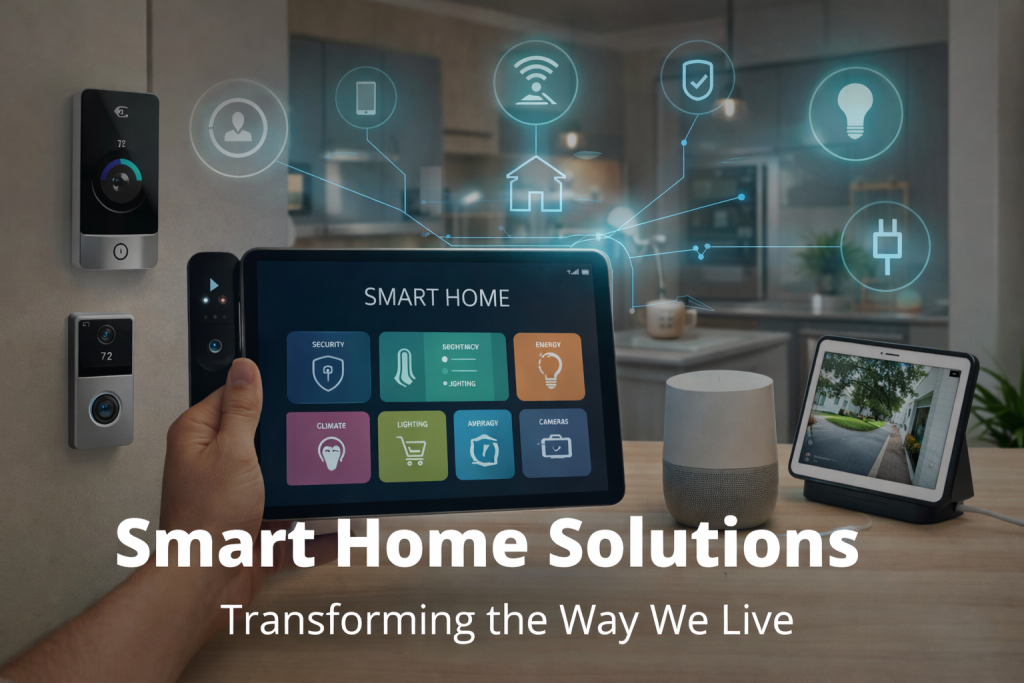
We’ve all been there: you buy a smart bulb for the kitchen, a smart plug for the coffee maker, and a smart speaker for the living room. Then, you realize you need three different apps just to turn on the lights and brew your morning roast. Instead of making life easier, technology has just added a new layer of digital chores to your day.
The dream of home automation isn’t about having gadgets; it’s about having a system. When your devices talk to each other, your home feels less like a collection of electronics and more like a helpful partner in your daily routine. But how do you build a cohesive system without getting a degree in computer science? It starts with making the right choices before you even hit “checkout.”
Understanding Compatibility
The biggest hurdle in building a smart home is fragmentation. Not every smart lock talks to every smart doorbell. Before you buy, you need to understand the communication protocols these devices use.
Think of it like language. If your bulb speaks Zigbee and your hub only speaks Wi-Fi, they won’t understand each other without a translator. The most common protocols you’ll encounter are Wi-Fi, Bluetooth, Zigbee, Z-Wave, and the new industry standard, Matter.
Matter is a game-changer because it allows devices from different brands to work together locally, without needing an internet connection for every command. If you are starting fresh today, looking for the “Matter-compatible” logo is your safest bet for future-proofing your home automation setup.
Popular Smart Home Ecosystems
To make everything run smoothly, you need a “brain” for your operation—a central ecosystem that controls everything. Here are the big players:
- Amazon Alexa: Great for voice control and has massive device support. It’s incredibly user-friendly but can be pushy with shopping suggestions.
- Google Assistant: Excellent at answering questions and leverages Google’s search power. It integrates beautifully with Android phones and Nest products.
- Apple HomeKit: The most secure and private option. It works seamlessly if you already live the iPhone/iPad life, though compatible devices can sometimes be pricier.
If you are looking for audio integration as part of your ecosystem, the team at Sound Effects provides excellent solutions for ensuring your auditory alerts and entertainment systems blend perfectly with these platforms.
Choosing the Right Devices
Once you’ve picked your ecosystem (the brain), stick to it. If you choose Alexa, don’t buy a smart display that only works with Google.
Here are a few tips for selecting hardware:
- Check the Box: Look for the “Works with…” badge.
- Start Simple: Begin with high-impact items like lighting and smart plugs.
- Read Reviews on Latency: Some devices take a few seconds to respond. Good home automation should feel instant.
Setting Up Your Smart Home System
Ready to connect? Follow these steps to ensure a smooth installation:
- Install the Hub/Speaker First: Get your central device (like an Echo Dot or Nest Hub) online and updated.
- Download the Native App: Even if you plan to control a bulb through Apple Home, you usually need the manufacturer’s specific app (like Philips Hue or LIFX) for the initial handshake and firmware updates.
- Link Accounts: Go into your ecosystem app (e.g., Google Home) and “link” the manufacturer’s account. This bridges the gap.
- Create Groups and Rooms: Don’t just name a light “Bulb 1.” Name it “Living Room Lamp” and assign it to the “Living Room” zone. This makes voice commands natural.
Troubleshooting Common Issues
Even the best systems have hiccups. Here is how to fix them:
- “Device Not Responding”: This is usually a Wi-Fi issue. If you have too many smart devices on a standard router, it can get clogged. Consider a mesh Wi-Fi system to handle the traffic.
- Voice Assistant Misunderstanding: If you say “Turn on the lights” and it turns on every light in the house, check your room assignments in the app.
- Firmware Glitches: If a device is acting weird, check for updates in the manufacturer’s app.
Automate Your Life, Don’t Complicate It
Building a smart home shouldn’t be stressful. By picking a single ecosystem, checking for compatibility, and setting things up methodically, you can create a space that anticipates your needs.
True home automation is when you walk through the door, and the house welcomes you—lights on, temperature adjusted, and music playing—without you lifting a finger. Start small, choose wisely, and enjoy the magic of a home that works for you.
